
While Nivalis Nights launched without official Steam Workshop support, the community quickly adopted Unity runtime injection to introduce critical quality-of-life fixes, custom voxel furniture packs, and camera enhancements. This comprehensive guide covers the essential mods available right now, step-by-step BepInEx installation on PC and Steam Deck, and safe save backup procedures.
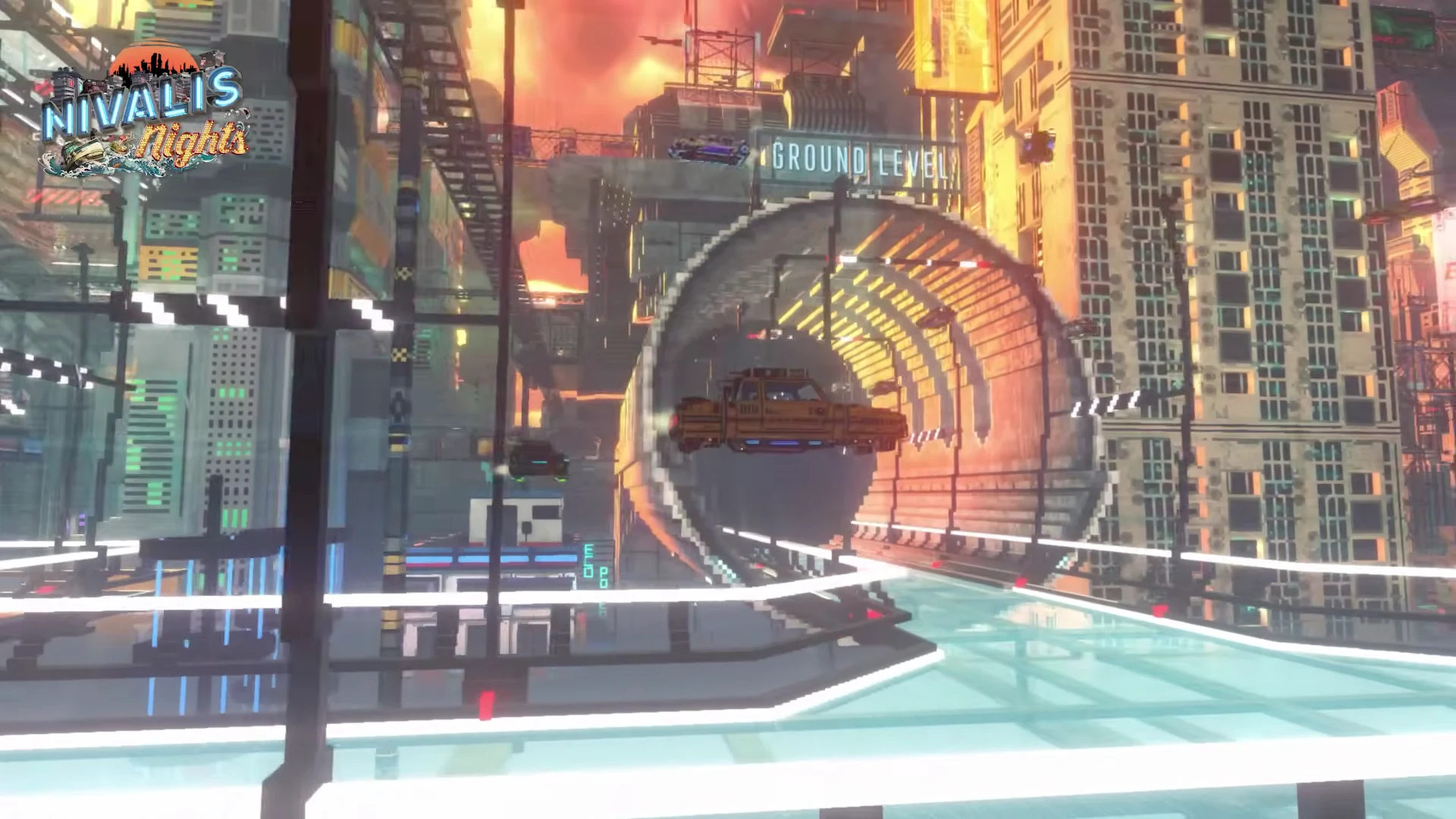
1. Essential Nivalis Nights Mods (Nexus Directory)
Following the initial launch, modders focused on resolving simulation friction points and expanding creative customization options. Below are the most stable and popular mods hosted on the community Nexus hub:
| Mod Name | Category | Description & Impact | Requirements |
|---|---|---|---|
| Better Supplier Choice (Manager Order Fix) | QoL / Balance | Prevents automated venue managers from placing excessive ingredient orders that wipe out business treasury reserves. Essential for hands-off ramen and bar management. | BepInEx 5.x |
| Object Framework & Studio | Custom Content | Enables loading custom voxel furniture models, neon signs, and decorative props with functional collision, sitting points, and lighting into player apartments. | BepInEx 5.x |
| No Mouse Smoothing | Controls / Input | Completely eliminates camera deceleration and hardware acceleration smoothing, providing clean 1:1 raw mouse input during walking and exploration. | BepInEx 5.x |
| Unstuck & Freecam Debugger | Utility / Camera | Provides hotkeys to teleport the player to safe canal docks if caught in voxel geometry collision, plus an unrestricted free-flight camera for cinematic photography. | BepInEx 5.x |
| Cyberpunk ReShade Preset Pack | Graphics / Shaders | Custom post-processing profiles that accentuate neon reflection diffusion, contrast curves, and nighttime atmospheric rain density without affecting game files. | ReShade 6.x |
2. Step-by-Step BepInEx Installation Guide
Because Nivalis Nights runs on the Unity 64-bit engine, community mods require the BepInEx 5 framework to inject custom code into the game process:
- Download BepInEx: Obtain the latest 64-bit release of
BepInEx_x64_5.x.x.zipfrom the official GitHub release page. - Locate Game Folder: Open Steam, right-click Nivalis Nights in your library, select Manage > Browse local files.
- Extract Framework: Unpack the archive directly into the game's root directory (alongside
NivalisNights.exe). The folder should now containBepInEx/,winhttp.dll, anddoorstop_config.ini. - First Boot Initialization: Launch the game once through Steam to let BepInEx generate necessary directories and configuration files, then exit to desktop.
- Install Mod Plugins: Download your desired mod from Nexus Mods and extract the
.dllfile intoNivalis Nights/BepInEx/plugins/.
3. Steam Deck & Linux Modding Configuration
Running mods on SteamOS or Linux requires telling Proton to use the custom winhttp.dll wrapper that BepInEx relies on to bootstrap into memory:
Required Proton Launch Option
In Steam on your desktop or Steam Deck Gaming Mode, open Nivalis Nights Properties > General > Launch Options and enter:
Without this parameter, Proton bypasses the proxy library entirely, causing the vanilla game to start without loading any BepInEx mods. For optimal frame rates on handheld hardware, combine this with our recommended Steam Deck Performance Settings.
4. Save File Backup & Recovery Procedures
Modifying business simulation data, inventory structures, or apartment coordinates can occasionally corrupt game saves during patch rollouts. Always maintain clean manual backups:
Windows Save File Path
%USERPROFILE%\AppData\LocalLow\ION LANDS\Nivalis Nights\SavesCopy the entire Saves folder to an external backup folder or cloud drive before testing new script mods.
Steam Deck / Proton Save Path
~/.steam/steam/steamapps/compatdata/1488490/pfx/drive_c/users/steamuser/AppData/LocalLow/ION LANDS/Nivalis Nights/SavesAccess via Desktop Mode in the Dolphin file manager. Ensure hidden files are visible to navigate the .steam directory.
5. Mod Compatibility with Official Patches
ION LANDS has released multiple post-launch updates (Updates #1 through #4) addressing core simulation logic, pathfinding, and memory leak concerns. When an official update drops:
- Verify Redundant Fixes: Review recent Patch Notes to see if the game has natively solved bugs that community mods were patching (such as manager restocking logic or save retention limits).
- Temporary Plugin Disabling: If the game crashes on startup following a patch, rename the
BepInEx/plugins/folder toplugins_disabled/to verify if a broken mod DLL is responsible. - Update Check: Return to the Nexus Mods page of each installed mod to download versions compiled against the latest game build.
❓Frequently Asked Questions
Does Nivalis Nights have official Steam Workshop support?↓
What is BepInEx, and how do I install it for Nivalis Nights?↓
Can I install Nivalis Nights mods on Steam Deck?↓
Where are Nivalis Nights save files located for backup before modding?↓
What are the most essential mods available right now?↓
Will game patches break my installed mods?↓
🔗Related Nivalis Guides
Understand the restaurant restocking glitch that inspired the game's first major mod.
Hardware targets and graphics headroom required when running heavy script mods.
Verified handheld configuration and launch command setups for mobile play.
Interior decorating options and standard furniture slots before installing custom packs.
Track recent developer updates that may require mod reinstallation.
Legitimate store discounts, Steam sales history, and digital edition comparisons.